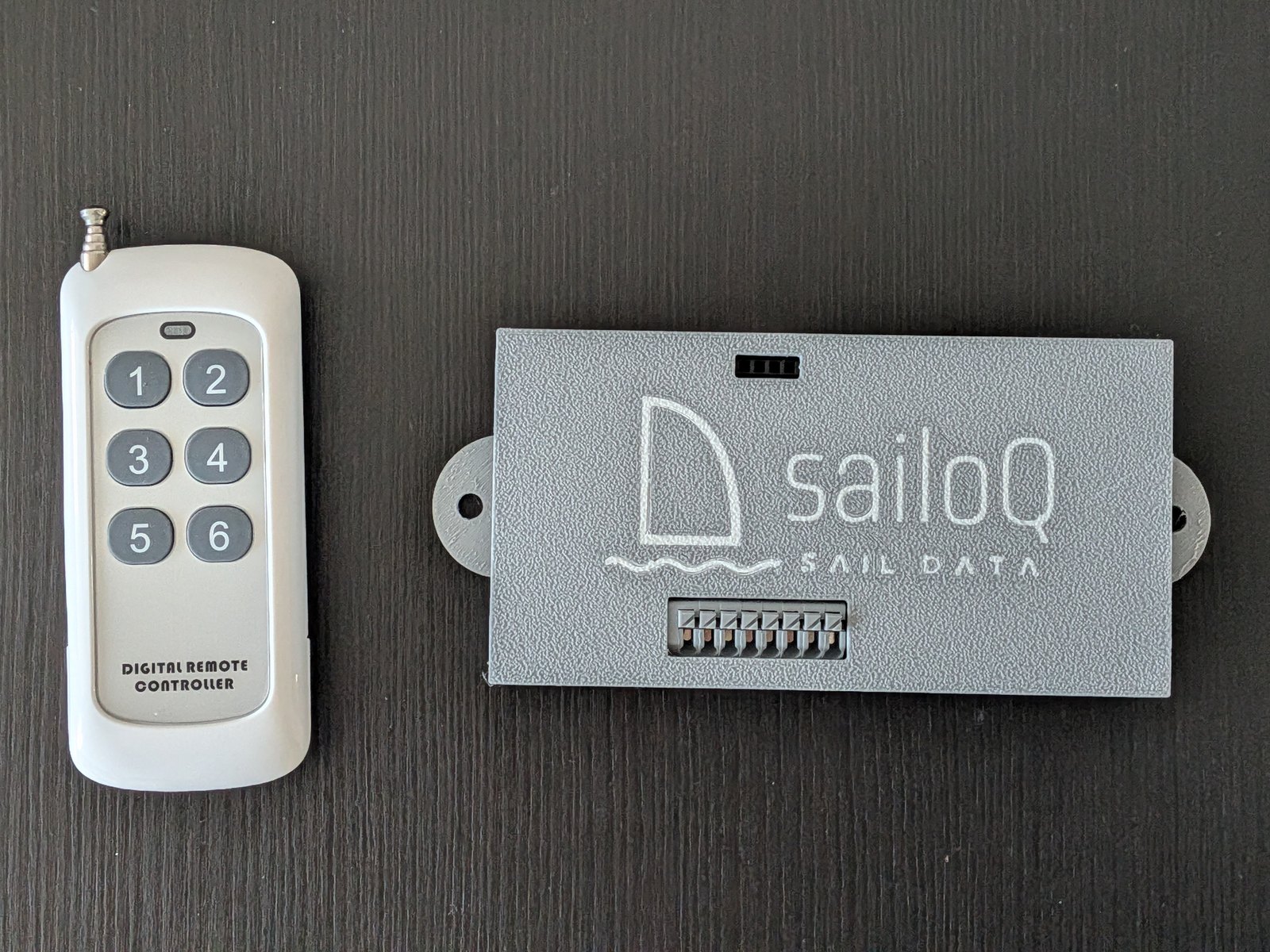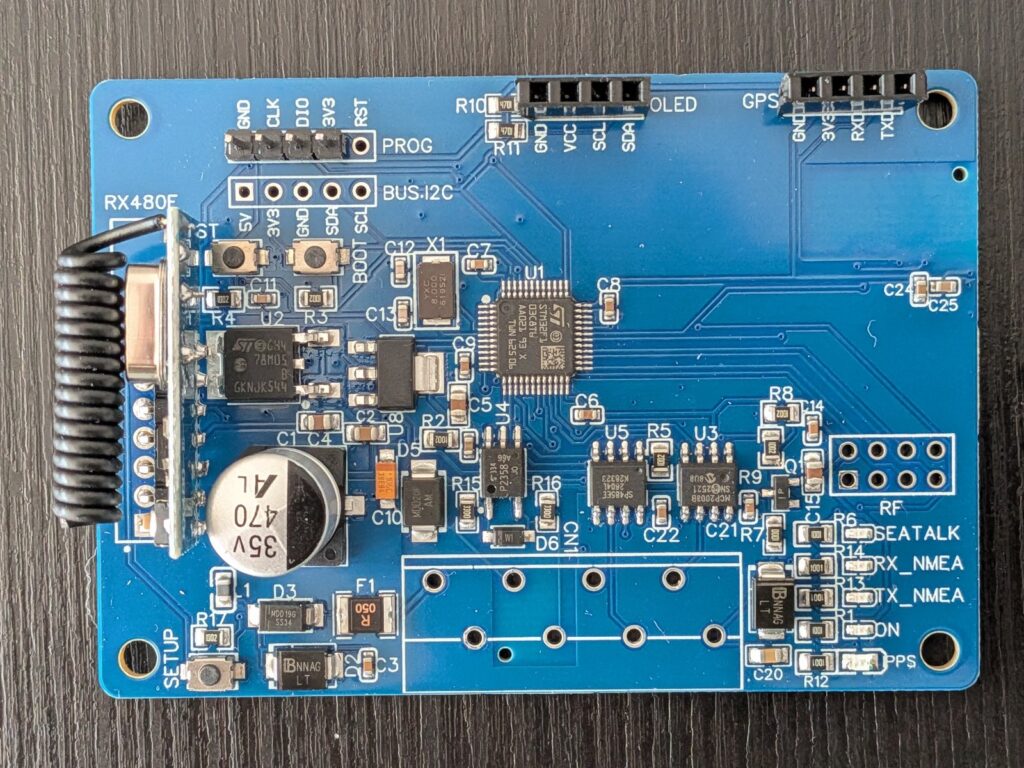


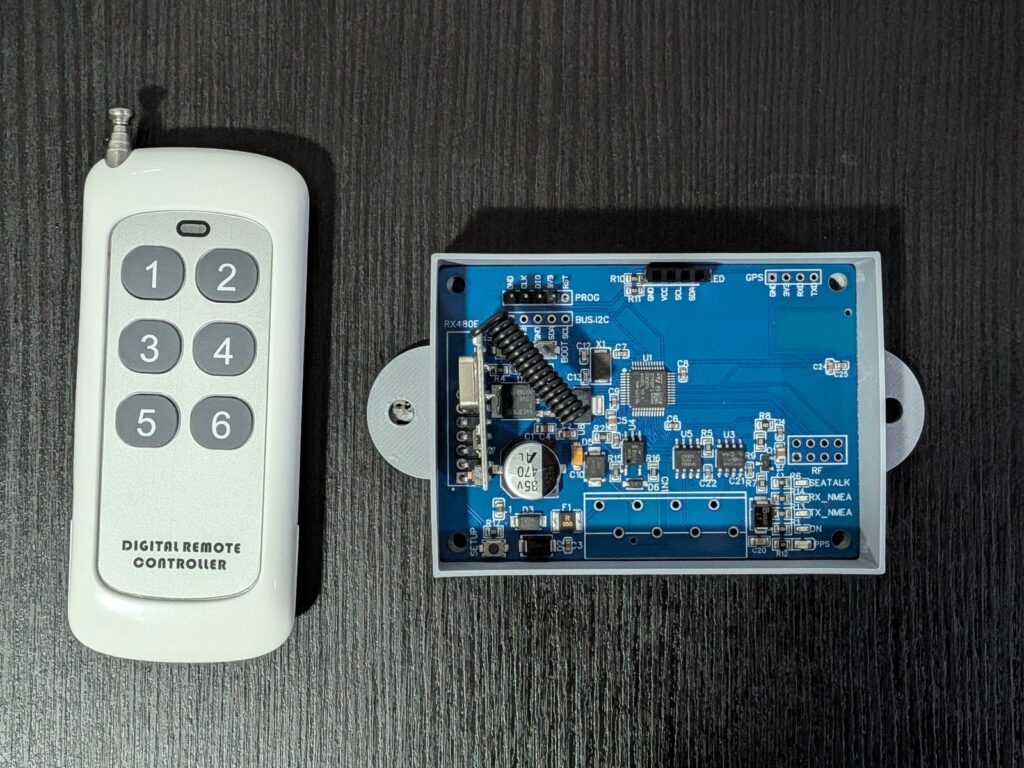
With the sailoQ cube-lite you can control your autopilot with a simple, affordable remote control. It covers what you use every day: engaging and disengaging the autopilot, adjusting the heading, tacking and switching to wind mode, without having to stand at the autopilot display.
From anywhere on board
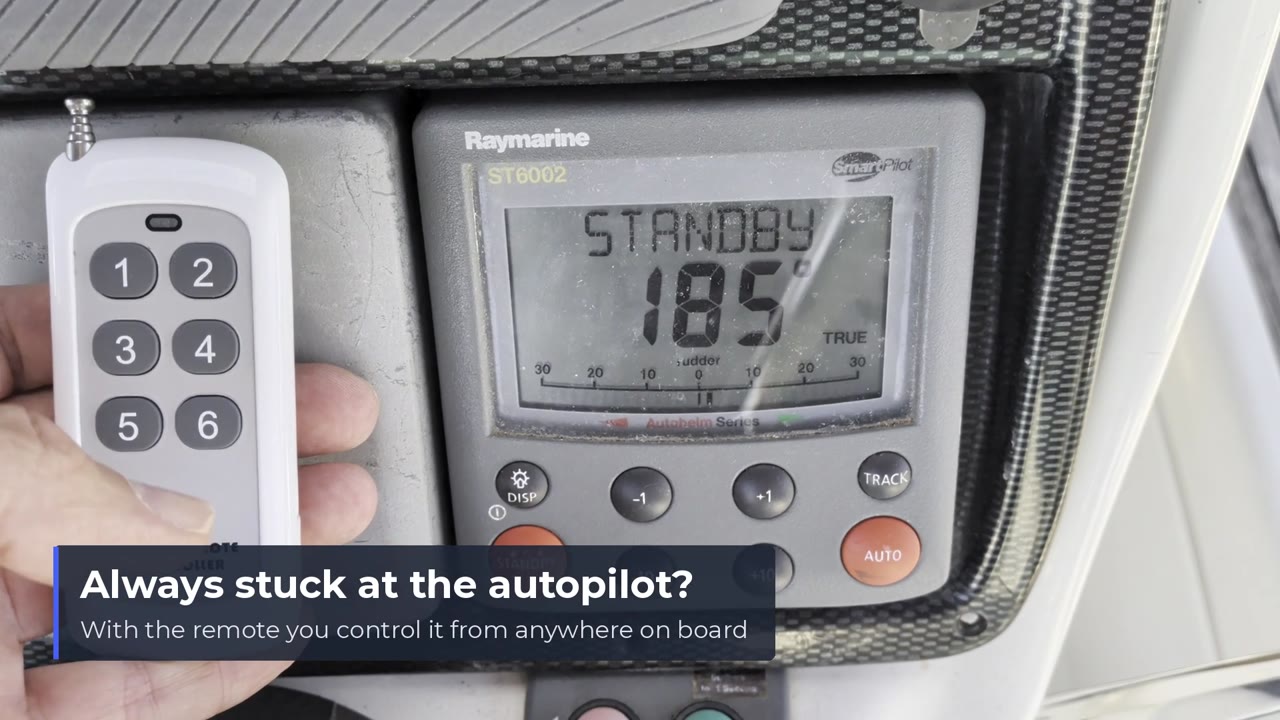
Anchoring from the bow, trimming the sails or simply sitting in the cockpit: you keep the remote in your hand and give the autopilot its commands from wherever you are. In the video you can see it with a Raymarine ST6002 autopilot: every press of the remote shows up instantly on its display.
What each button does
| Button | Short press | Long press (1.5–2 s) |
|---|---|---|
| 1 | −1° | |
| 2 | +1° | |
| 3 | −10° | Tack to port |
| 4 | +10° | Tack to starboard |
| 5 | STANDBY | |
| 6 | AUTO | Changes mode: wind and track |
One button for AUTO, wind and track
- From STANDBY, button 6 always switches the autopilot to AUTO.
- In AUTO, each long press moves to the next mode: AUTO → wind → track → AUTO.
- The wind mode needs a wind vane connected to SeaTalk; the track mode (TRACK), a chartplotter navigating to a waypoint. If a mode is not available, it is skipped.
- Button 5 puts the autopilot in STANDBY and you take back the helm instantly.
What you need
- A sailoQ cube-lite 1.6 connected to the boat's SeaTalk bus.
- A Raymarine autopilot with SeaTalk.
- The remote comes factory-paired: there is nothing to set up. It also works with any 433 MHz remote, which you can pair yourself.
All the details of the new version are in the post new sailoQ cube-lite 1.6.
Interested? See the sailoQ cube-lite in the shop. If you're not sure which model to choose, see Which sailoQ do I need?